Shenzhen Xingtong IOT Technology Co., Ltd.
Barcode Scanner Manufacturer with development & Invention ability

What Is USB Mode Support?
USB mode support refers to whether a scanning module can operate in both USB-HID (Human Interface Device) and USB-VCOM (Virtual COM Port) modes. USB-HID enables plug-and-play keyboard emulation—the scanner appears as a keyboard to the host, requiring no drivers and working with any application that accepts keyboard input. USB-VCOM provides virtual serial port communication, allowing direct data streaming for custom software integration where raw data needs to be processed programmatically.
XTIOT Barcode Scanner Products with Dual USB Mode Support
XTIOT offers scanning modules engineered to support both USB-HID and USB-VCOM modes, providing maximum flexibility for different integration scenarios.
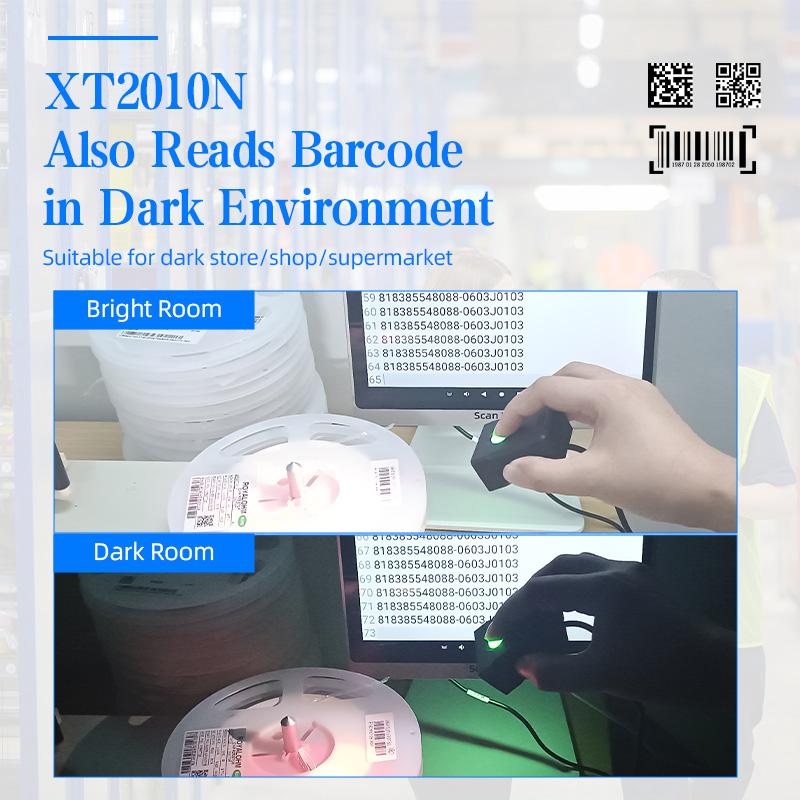
XT2010N Fixed-Mount Barcode Scanner Module
The XT2010N supports USB HID, USB VCOM, TTL 232, and RS232 interfaces . Under USB, it offers both USB-keyboard (keyboard emulation) and USB-virtual serial port modes . This flexibility allows the module to integrate with a wide range of host systems—from simple POS terminals to complex industrial controllers—without requiring hardware modifications.
Perfect for:
Logistics sorting stations – USB-VCOM mode enables custom data formatting for warehouse management systems
Ordering kiosks – USB-HID mode for instant plug-and-play with existing kiosk software
Pharmaceutical packaging lines – switch between modes based on host system requirements
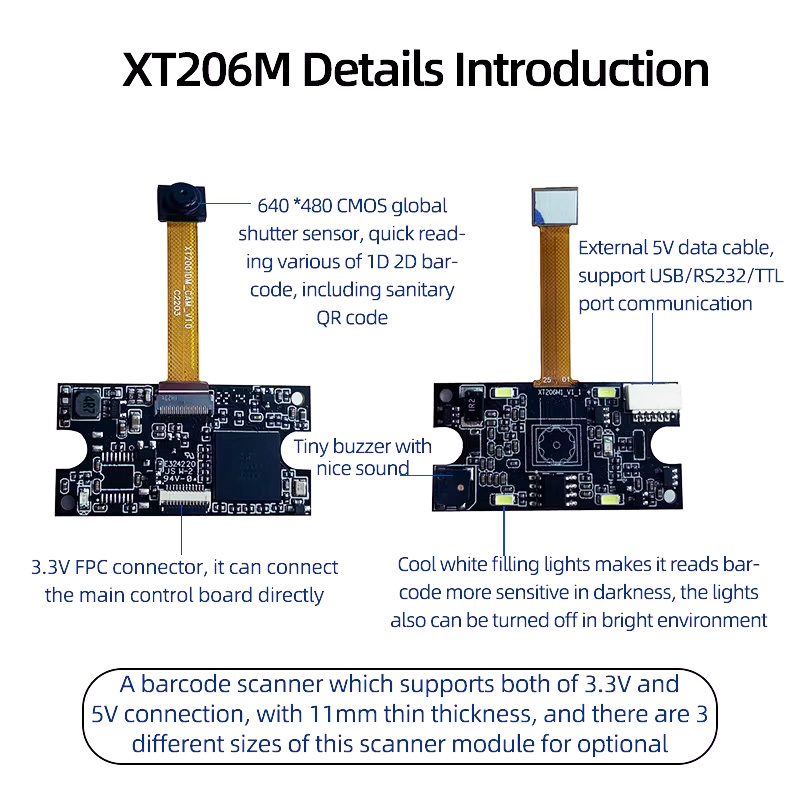
XT206M Series Embedded Scan Engines
The XT206M series supports USB-HID and USB-VCOM interfaces, enabling flexible integration into payment terminals, smart shopping carts, and other OEM devices . The ability to operate in either mode allows engineers to design systems that can be deployed with zero driver installation (HID) or leverage custom data handling (VCOM) depending on the application.
Perfect for:
Smart shopping cart tablets – USB-HID mode for quick integration with tablet operating systems
Payment terminals – USB-VCOM for secure data transmission to payment processors
Medical devices – virtual COM port for integration with patient management systems
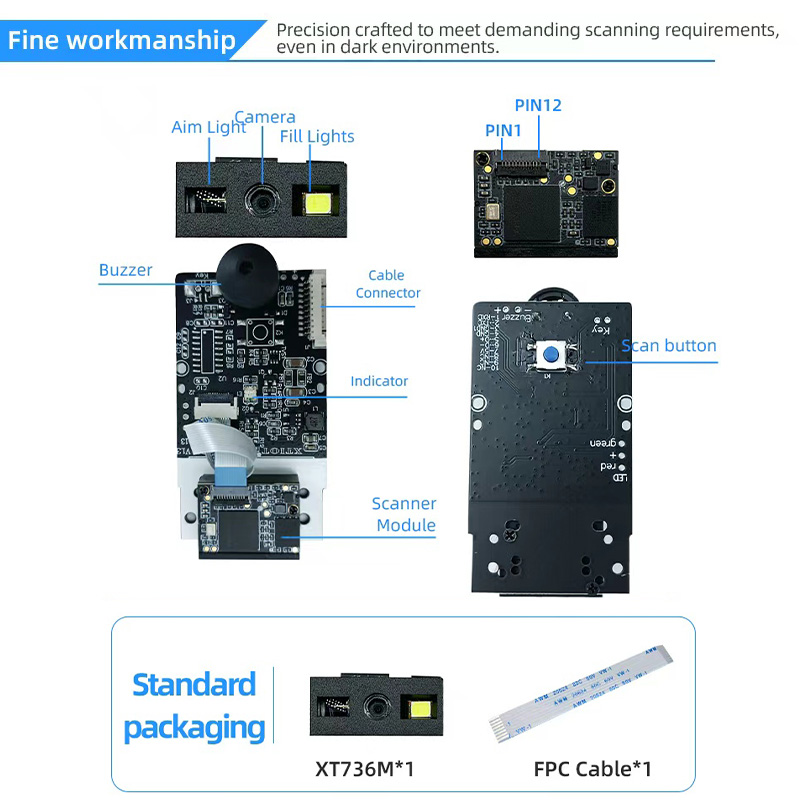
XT736M Embedded Barcode Scanner Module
The XT736M is equipped with USB, Serial TTL, and RS232 port output interfaces, ensuring seamless integration with various systems . Its USB interface supports both HID and VCOM modes, allowing developers to choose the optimal communication method for their application—whether they need simple keyboard emulation or full serial control.
Perfect for:
Robotics and automation – USB-VCOM for programmatic control of scanning operations
Self-service kiosks – USB-HID for compatibility with off-the-shelf kiosk software
Industrial equipment – switchable modes for different host controller requirements
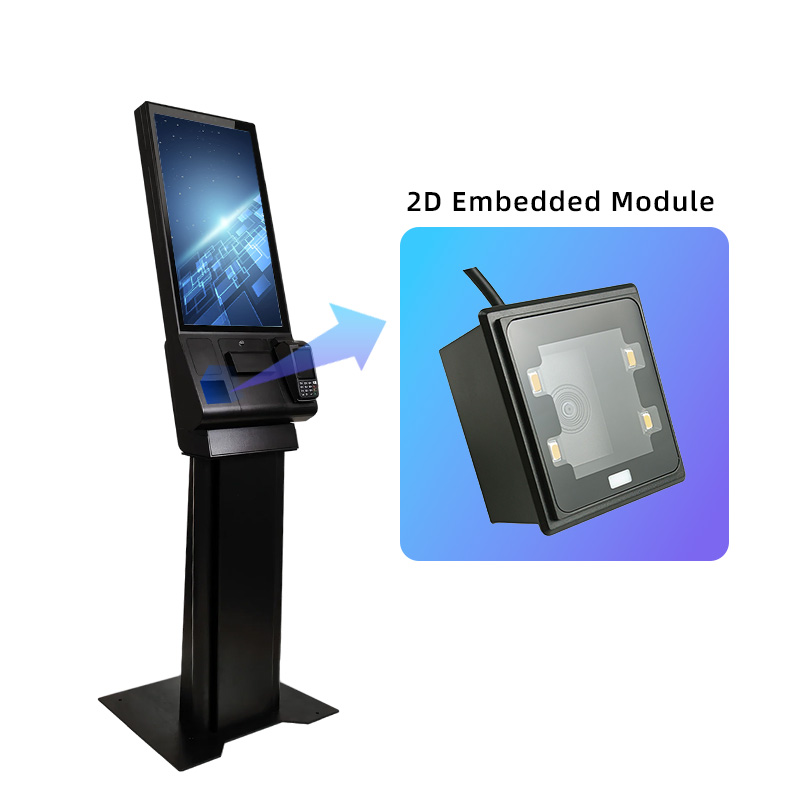
XT2003C / XT2003D Fixed-Mount Scanners
The XT2003C and XT2003D series supports USB, RS232, and TTL interfaces, with USB offering both keyboard emulation and virtual COM port modes . This dual-mode capability is particularly valuable in production line and logistics applications where data may need to be both displayed as typed text and captured for database storage.
Perfect for:
Pharmaceutical traceability systems – USB-VCOM for direct MES integration
Tobacco and alcohol production lines – USB-HID for simple data entry
Automated sorting systems – select mode based on existing control software

XT7301P AI-Powered Desktop Scanner
The XT7301P features USB interface with dual-mode support, allowing users to connect via keyboard emulation for immediate use or virtual COM port for custom integration . This flexibility makes it suitable for both retail checkout environments where simplicity is key and industrial workstations where data formatting is required.
Perfect for:
Supermarket checkout counters – USB-HID mode works instantly with any POS system
Hospital registration desks – USB-VCOM for custom patient data handling
Garment stores – plug-and-play simplicity for quick deployment
USB Mode Comparison
| Mode | Description | Best Application | Driver Required |
|---|---|---|---|
| USB-HID (Keyboard Emulation) | Scanner sends data as keystrokes | POS systems, any app accepting text input | No – plug-and-play |
| USB-VCOM (Virtual COM Port) | Scanner sends raw data as serial stream | Custom software, MES integration, data logging | Virtual COM driver (one-time) |
Critical Applications by USB Mode
| Application | Recommended Mode | Why | XTIOT Solution |
|---|---|---|---|
| Retail Checkout | USB-HID | Works instantly with any POS software | XT7301P with keyboard emulation |
| Kiosk Terminals | USB-HID | No driver installation required | XT2010 with dual-mode support |
| Custom Software | USB-VCOM | Programmatic data capture and formatting | XT2010 with virtual COM port |
| MES Integration | USB-VCOM | Direct data streaming to manufacturing systems | XT2003C with serial emulation |
| Medical Systems | USB-VCOM | Integration with patient management software | XT206M series with VCOM mode |
| OEM Devices | Switchable | Flexibility for different deployment scenarios | XT736M with selectable mode |
How XTIOT Supports Dual USB Mode Integration
Plug-and-Play Simplicity
USB-HID mode requires no driver installation—simply connect the scanner and it appears as a standard keyboard, working immediately with any application that accepts text input.
Custom Data Handling
USB-VCOM mode enables programmatic control of the scanner, allowing developers to:
Receive raw barcode data for custom parsing
Send commands to configure scanner settings
Implement custom data formatting and validation
Integrate with enterprise software systems
Seamless Switching
XTIOT scanners allow users to switch between modes using configuration barcodes in the user manual, eliminating the need for software configuration or hardware changes.
Broad Operating System Support
Both USB-HID and USB-VCOM modes are compatible with Windows, Android, Linux, macOS, and embedded systems, ensuring consistent performance across platforms.
Why Dual USB Mode Support Matters
Without dual USB mode support, engineers face limitations:
HID-only devices cannot be used with custom software requiring serial communication
VCOM-only devices require drivers and may not work with standard applications
Inflexible integration forces hardware changes when deployment requirements shift
XTIOT delivers this capability with scanners that support both USB-HID and USB-VCOM modes, enabling a single module to serve diverse applications—from simple plug-and-play retail checkout to complex custom software integration in manufacturing and healthcare environments.
Choose the USB mode that fits your application. Contact XTIOT today for integration support and configuration guidance.


