Shenzhen Xingtong IOT Technology Co., Ltd.
Barcode Scanner Manufacturer with development & Invention ability

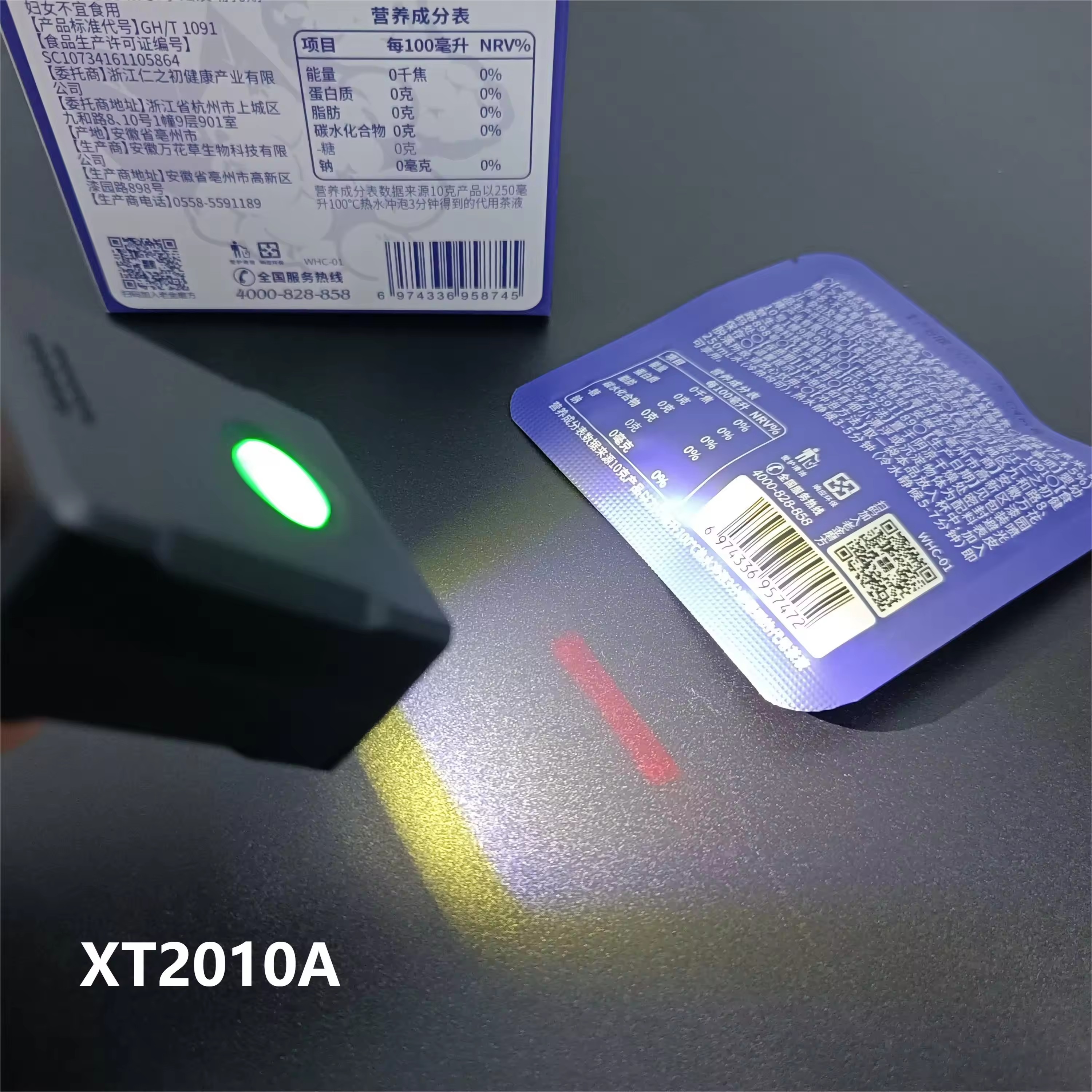
The reading mode of the barcode scanner mainly determines how the scanner reads and decodes the barcode information. The following are several common reading modes and their characteristics:
Manual Reading Mode: Also known as key mode or manual trigger mode.
In this mode, when the user presses the button on the scanner, the scanning light (or aiming light) will light up, and then the user will aim the scanner at the barcode to read.
When the barcode is successfully read or the user releases the button, the scanning light will go out.
The next time you read, the user needs to repeat the above process.
Continuous Reading Mode: Also known as continuous reading mode or constant scanning mode.
In this mode, the scanner's lighting light (or aiming light) will remain continuously lit.
When the barcode passes through the scanning area, the scanner will immediately parse the barcode information.
Usually, the same barcode can only be read once after being scanned unless it is deleted and passes through the scanning area again.
The long-brightness reading mode is usually used in unattended application scenarios, which can free up some human work.
Some devices allow users to set the scanning time interval for the same barcode and the scanning time interval for different barcodes.
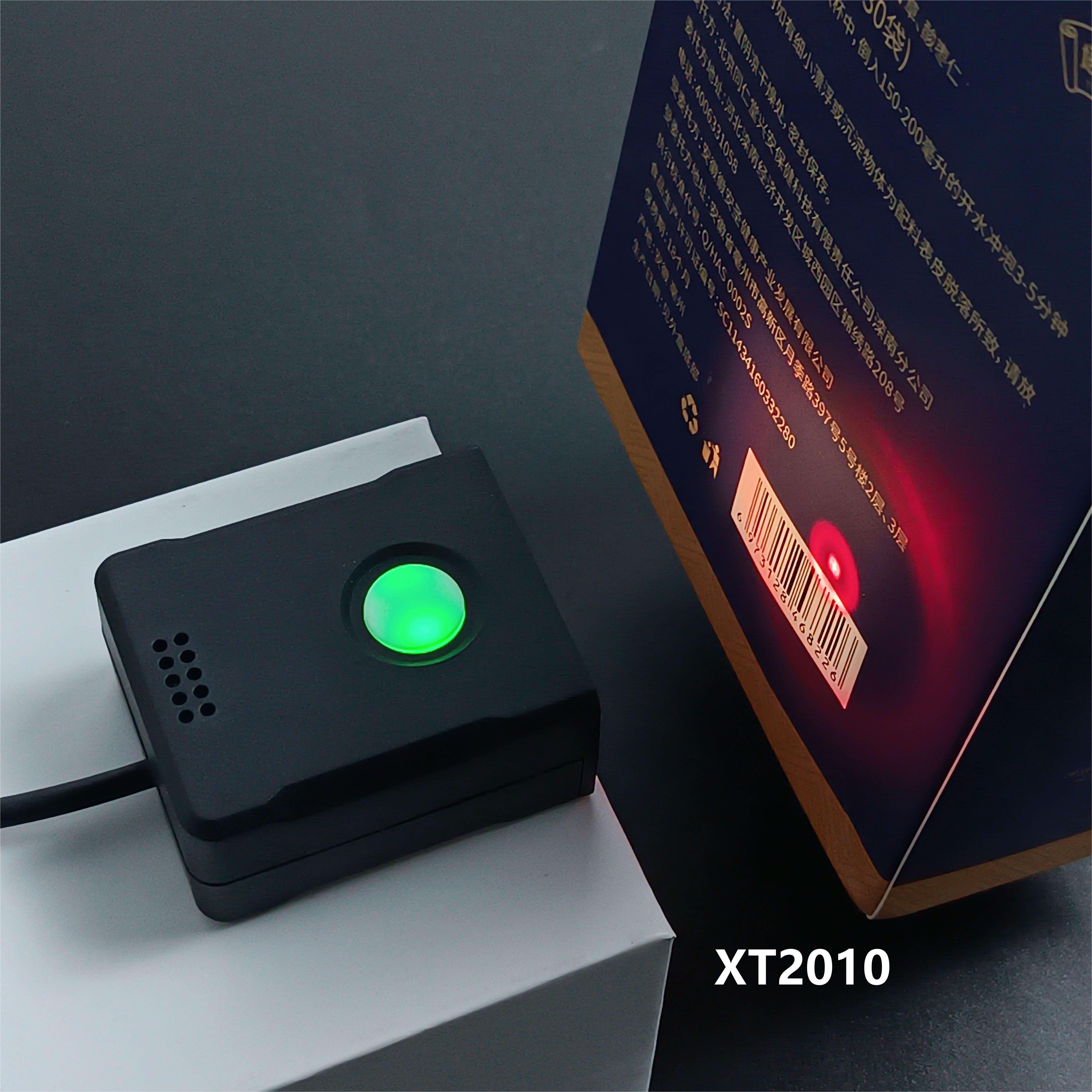
Auto-sensing Mode: Also known as automatic sensing mode or sensing reading mode.
In automatic sensing mode, the scanner automatically detects the image in the scanning area.
When the barcode enters the scanning area, the scanner automatically reads the barcode information and re-enters the monitoring state after successful reading or after timeout.
The sensing mode can usually be set to normal mode, that is, after the scanner triggers the sensing, a barcode passes, and after reading the barcode, the aiming light immediately goes out and re-enters the next sensing, or after the "word reading time" times out, the light goes out and enters the next sensing.
Other specific modes: Depending on different devices and application requirements, there may be other specific reading modes, such as pre-scanning mode, batch mode, etc.
The reading mode of XTIOT Xingtong barcode scanner can be selected and adjusted according to different application scenarios and requirements. When selecting the reading mode, factors such as scanning speed, accuracy, and manpower requirements need to be considered. At the same time, users also need to correctly set and adjust the reading mode according to the specific instructions and manuals of the device to ensure that the scanner can work properly and meet application requirements.