Shenzhen Xingtong IOT Technology Co., Ltd.
Barcode Scanner Manufacturer with development & Invention ability

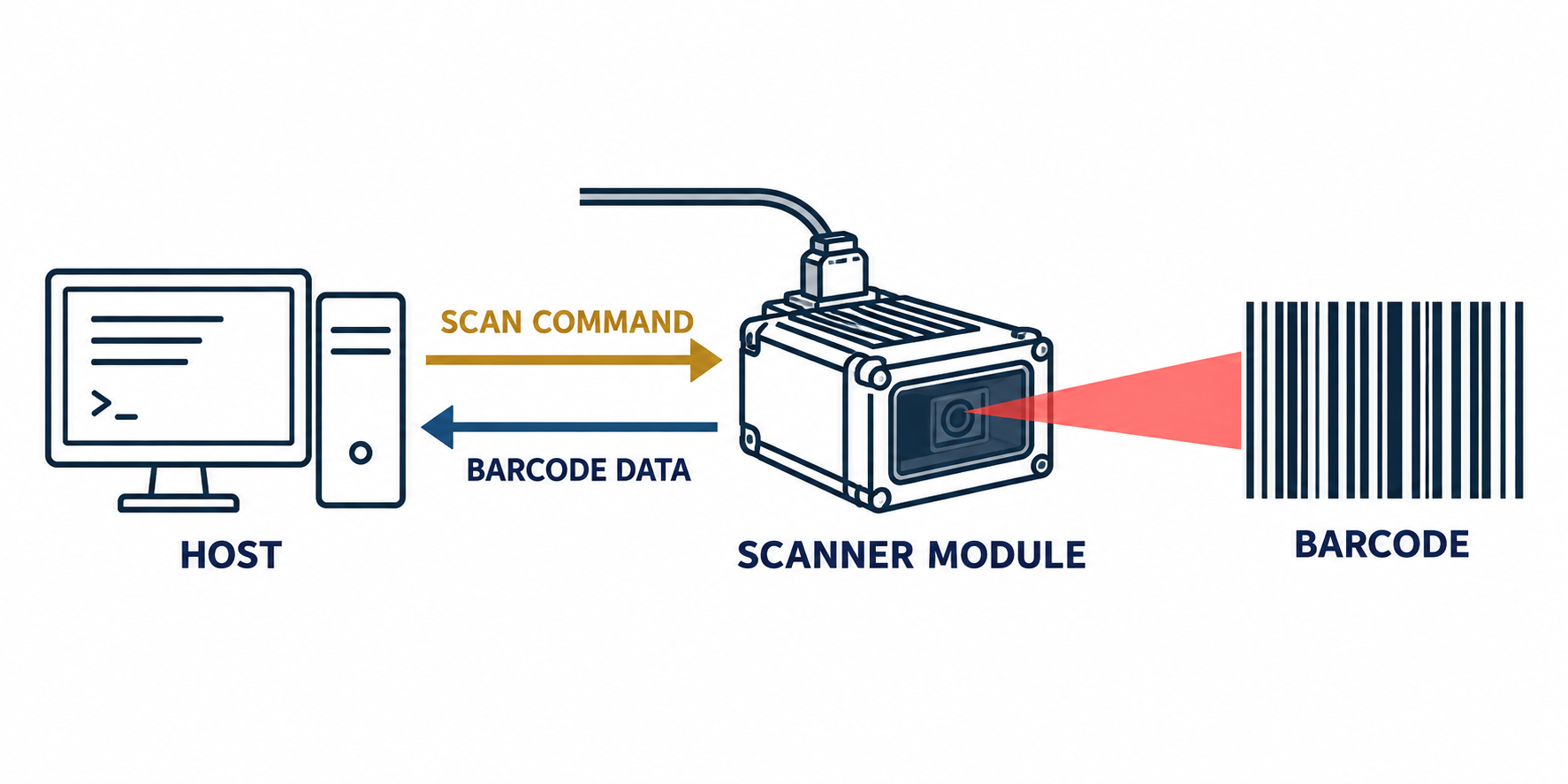
A POS integrator recently asked us a simple question: can the software turn the scanner on only when it is needed?
Yes. Instead of leaving the scanner in continuous mode, the host can send a serial command to start scanning. Once a barcode is read, the scanner sends the data back and returns to standby.
This is useful in POS terminals, kiosks and vending machines. For example, when the software opens the payment page, it sends a trigger command. The scanner reads the customer’s QR code, returns the data, and then stops. This avoids scanning too early or sending the same code more than once.
The command can normally be sent through TTL UART, RS232 or USB CDC. For a TTL connection:
Scanner TX connects to host RX
Scanner RX connects to host TX
Both sides share GND
One detail is easy to miss: XTIOT scanner modules use 3.3V TTL signals. A 5V power input does not mean the UART signal is also 5V. RS232 is different from TTL and should not be connected directly.
We do not recommend copying a command from another scanner model. The trigger command, stop command and baud rate must match the model and firmware version.
For compact POS equipment, XT206M1 is a practical option. For mobile QR codes or larger QR data, XT206H1 is more suitable. If the scanner must sit behind a closed front panel, XT206H3 has a built-in acrylic window.
Serial command control is a small function, but it makes the scanning process follow the software instead of forcing the software to follow the scanner.


