Shenzhen Xingtong IOT Technology Co., Ltd.
Barcode Scanner Manufacturer with development & Invention ability

Why a Scanner That Reads the Code Successfully May Still Fail at the Payment Stage
Commercial EV charging payment kiosks are designed for drivers who do not want to download a charging-network app. A kiosk may combine EMV card payment, contactless mobile wallets and barcode-based payment options in one terminal.
For kiosk manufacturers, reading the barcode is usually not the difficult part.
The more common integration problem is this:
The scanner decodes the mobile barcode correctly, but the kiosk software does not receive the data in the required format.
This is often caused by selecting the wrong communication interface.
The Problem with USB HID Keyboard Output
USB HID is convenient during initial testing. The scanner connects to the kiosk computer and sends barcode data as keyboard input.
For simple membership numbers or short voucher codes, this may be sufficient.
However, payment-related QR codes can contain longer data strings, special characters or structured information. When the scanner operates as a keyboard device:
Data is entered into whichever field currently has focus.
Keyboard layout settings may affect some characters.
The application has limited control over how the data is received.
It can be difficult to separate scanner input from manual keyboard input.
The barcode may be decoded correctly while the payment application still receives incomplete or incorrect data.
When USB CDC Is More Suitable
USB CDC creates a virtual COM port between the scanner and the kiosk operating system.
Compared with USB HID, it allows the payment application to:
Receive scanner data through a defined communication port.
Control when the application accepts barcode input.
Separate scanner data from keyboard input.
Process longer QR-code data more reliably.
For Windows, Linux or Android-based payment kiosks, USB CDC is often more suitable when the software needs direct control of the scanner data.
When RS232 or TTL Should Be Used
Some EV charging payment terminals use an industrial controller or a custom embedded mainboard rather than a standard PC.
In these systems:
RS232 is suitable for industrial controllers and kiosk mainboards with a serial port.
TTL is suitable for direct UART communication with an MCU or embedded control board.
TTL should not be connected directly to an RS232 port because their electrical signal levels are different.
The interface must match both the communication method and the electrical design of the host board.
Recommended Interface Selection
For an EV charging payment kiosk:
Choose USB HID for short, simple codes when keyboard output is acceptable.
Choose USB CDC when the kiosk application needs direct control of barcode data.
Choose RS232 for an industrial controller with a serial interface.
Choose TTL for direct connection to an MCU or custom embedded board.
The decision should be made according to the kiosk controller and payment software—not simply according to which cable is easiest to test.
XTIOT Embedded Scanner Integration
The XTIOT XT206H1 is designed for integration into self-service and payment kiosks.
Key features include:
1280 x 800 CMOS image sensor for reading printed and mobile barcodes
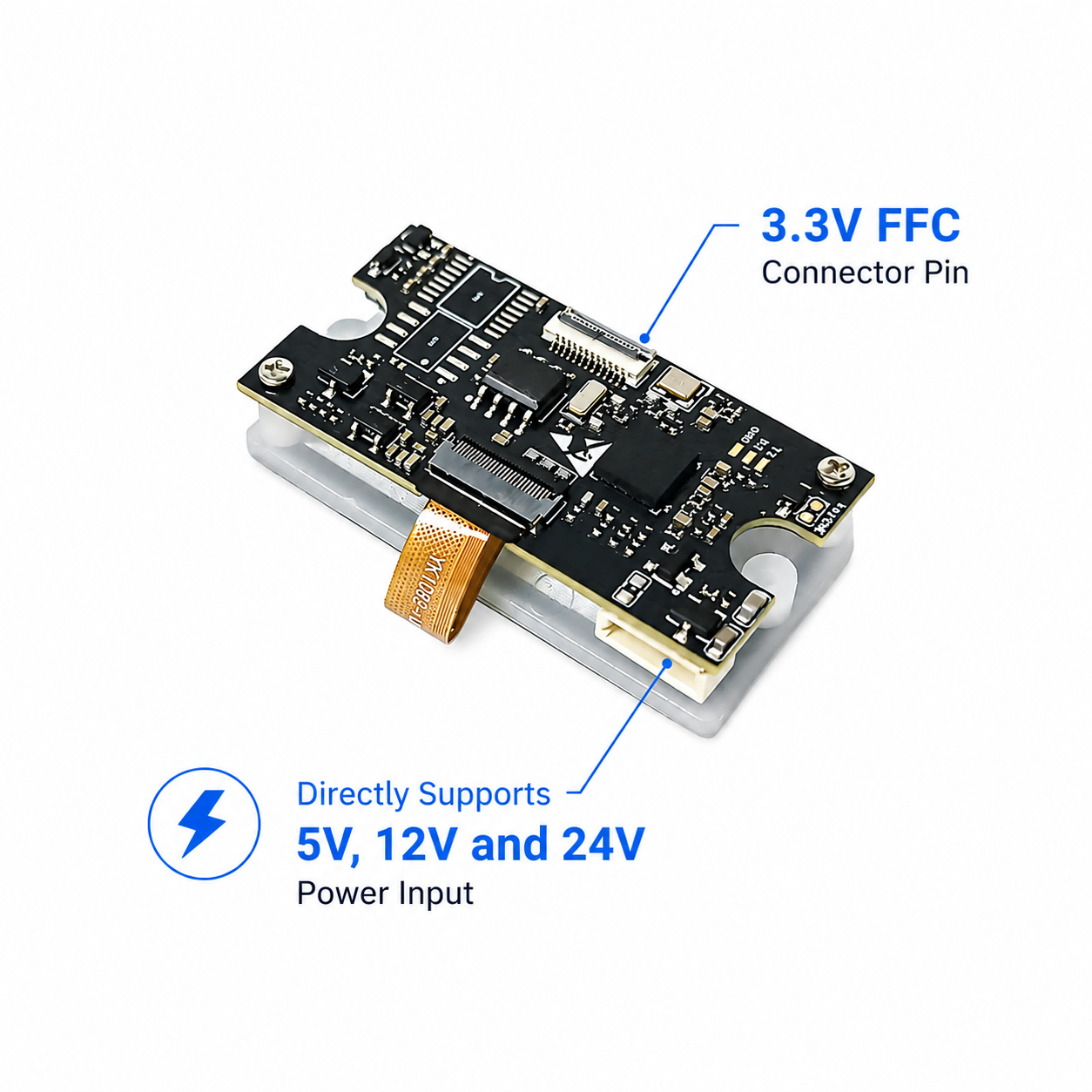
USB, RS232 and TTL interface options
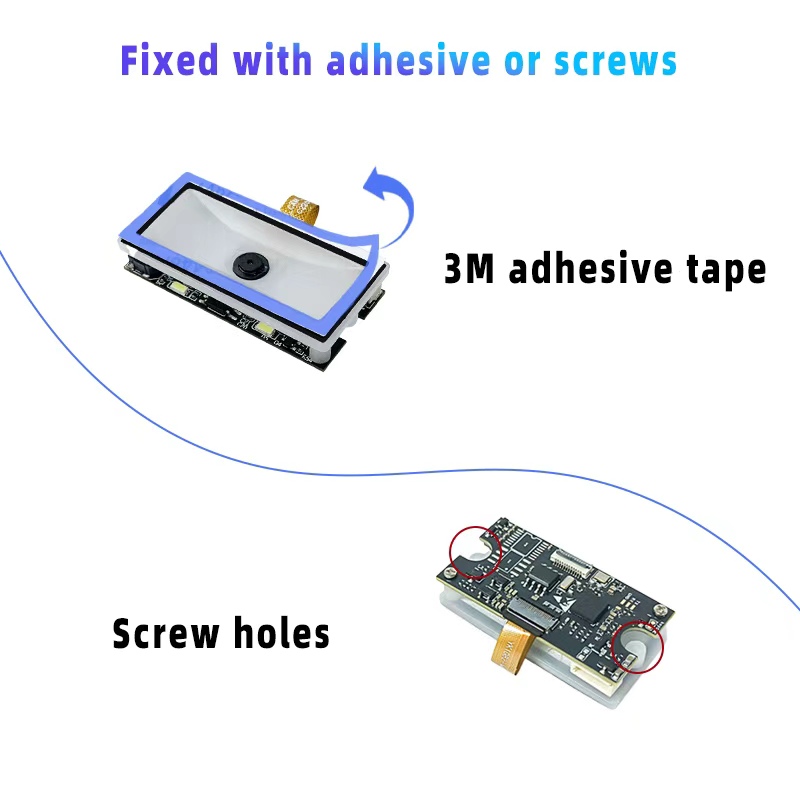
Pre-applied adhesive on the scan window for installation behind the kiosk panel
5V, 12V and 24V versions for direct connection to the host power supply
No external voltage converter required
For EV charging kiosk manufacturers adding barcode payment, electronic vouchers or account-code scanning, the correct interface ensures that successfully decoded data reaches the payment application correctly.


