Shenzhen Xingtong IOT Technology Co., Ltd.
Barcode Scanner Manufacturer with development & Invention ability

What the XT802E‑X86 Does
The XT802E‑X86 is a 10.1‑inch Windows wall‑mount kiosk with a built‑in 2D barcode scanner. Drivers scan a parking ticket (QR or 1D barcode), the kiosk calculates the fee, and they pay with credit card, mobile payment (Alipay/WeChat Pay/Google Pay via optional external reader), or cash (optional cash acceptor).
No attendant. No long exit lines. Self‑service 24/7.
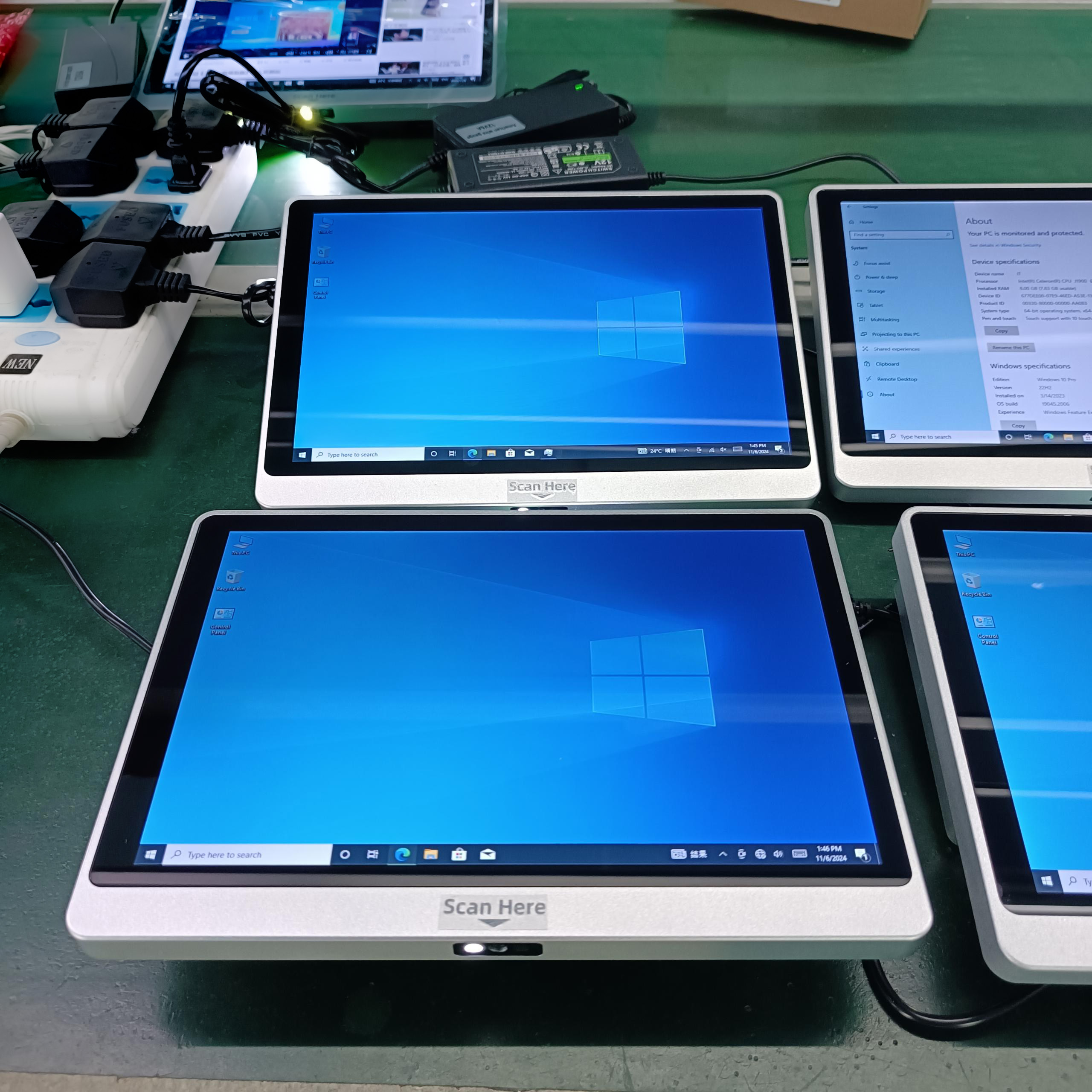
Key Specifications
| Feature | Specification |
|---|---|
| Model | XT802E‑X86 |
| Screen | 10.1″ HD touch, 1280×800 |
| CPU | Intel J1900 quad‑core, 2.0GHz |
| RAM / Storage | 4GB + 64GB (upgradeable) |
| Scanner | Built‑in 2D CMOS, 640×480 |
| Scan Speed | Up to 300 scans/sec |
| Reads | 1D (Code128, EAN‑13) + 2D (QR, Data Matrix, PDF417) |
| OS | Windows 10 Pro |
| Mounting | VESA 75×75 wall mount |
| Protection | IP65 front panel (dustproof, water‑resistant) |
| Operating Temp | -20°C to +60°C |
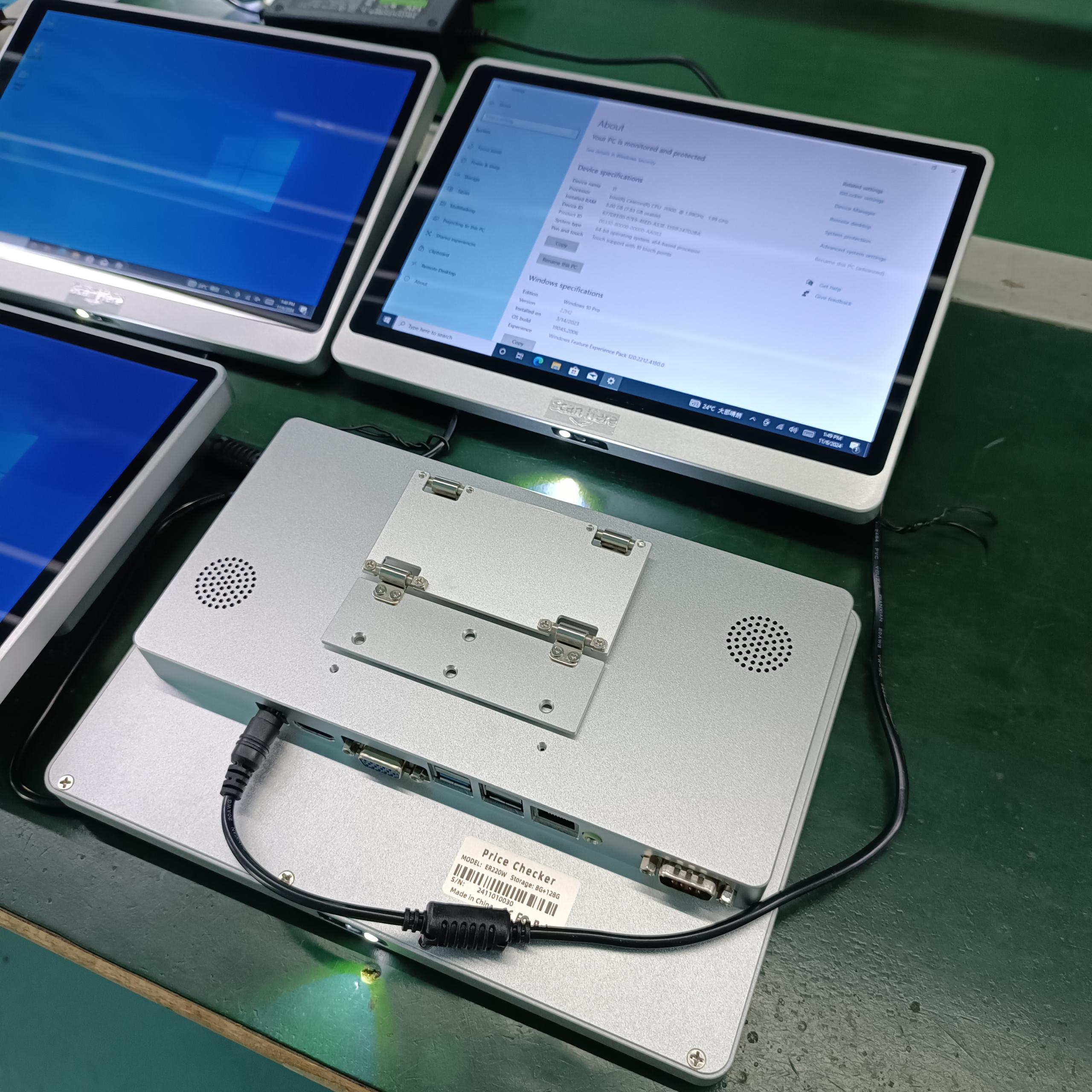
Built‑in Scanner – Reads All Parking Ticket Types
| Ticket / Device | Code Type | XT802E‑X86 Can Read It? |
|---|---|---|
| Paper parking ticket (entry gate) | 1D barcode (Code128) or QR | ✓ |
| Monthly pass card | 1D barcode or QR | ✓ |
| Phone app ticket | QR code | ✓ (optimized for phone screens) |
| Pre‑booking confirmation | QR code from email | ✓ |
| Employee parking badge | 1D barcode or QR | ✓ |
How Parking Payment Works
Step 1 – Scan ticket
Driver inserts paper ticket into slot (or holds phone QR under scanner)
Scanner reads ticket QR/1D barcode (0.3 seconds)
System calculates: entry time, exit time, duration, fee
Step 2 – Pay
Screen displays fee
Driver selects payment method:
Credit card (external EMV reader – optional)
Mobile payment (Alipay/WeChat Pay/Google Pay – optional)
Cash (external cash acceptor – optional)
Payment processed
Step 3 – Exit
Kiosk prints receipt (optional)
Ticket validated for exit gate
Gate opens when driver scans validated ticket at exit
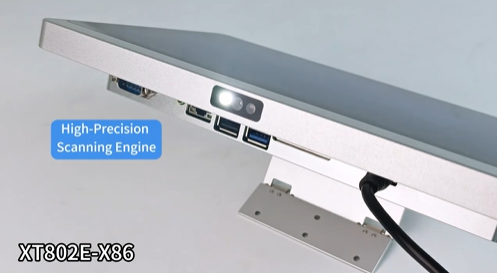
Where to Mount
| Location | Mounting | Purpose |
|---|---|---|
| Parking garage walkway | VESA wall mount | Pay before walking to car |
| Exit lane kiosk | VESA wall mount | Pay at exit (requires weatherproof enclosure) |
| Parking office (after hours) | VESA wall mount | 24/7 payment when office closed |
| EV charging parking | VESA wall mount | Pay for parking + charging |
| Airport parking | VESA wall mount | Long‑term parking payment |
Windows Benefits for Parking Systems
| Feature | Why It Matters |
|---|---|
| Windows 10 Pro | Run existing parking management software |
| Remote Desktop | Administer multiple kiosks remotely |
| Active Directory | Centralized management for parking facilities |
| Peripheral drivers | Works with EMV readers, cash acceptors, receipt printers |
Connectivity
| Interface | Use |
|---|---|
| Ethernet | Main connection to parking management system |
| WiFi | Where Ethernet isn‘t available |
| PoE+ | One cable for power + network – simple installation |
| USB | EMV reader, cash acceptor, receipt printer |
| COM (RJ11) | Serial connection to legacy exit gate controller |
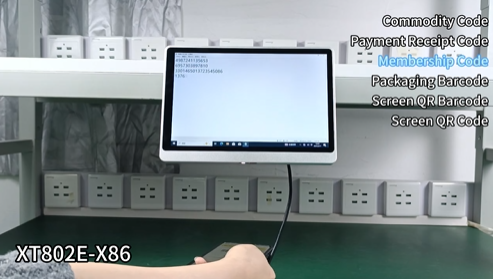
Hardware Highlights for Parking
| Feature | Benefit |
|---|---|
| Built‑in scanner | No external scanner – clean design |
| 300 scans/sec | Fast transaction – no queue at kiosk |
| Reads phone screens | Mobile app tickets, pre‑booking QR |
| IP65 front panel | Outdoor parking garage – dust, moisture |
| Wide operating temp | -20°C to +60°C – works in all climates |
| VESA wall mount | Secure mounting in walkway or exit lane |
| PoE+ option | One cable – no electrician needed |
Payment Options (External Peripherals)
| Payment Method | Peripheral | XT802E‑X86 Integration |
|---|---|---|
| Credit card | EMV reader | USB |
| Mobile pay (Alipay/WeChat Pay) | QR reader (external) or customer‘s phone | External QR reader or customer scans kiosk‑displayed QR |
| Cash | Cash acceptor | Serial or USB |
OEM Customization
| Customization | MOQ |
|---|---|
| Custom logo | 1,000 pieces |
| Custom color | 100 pieces |
| Custom packaging | 2,000 pieces |
| Pre‑loaded parking software | Contact sales |
Need a parking payment kiosk with ticket QR scanning and multiple payment options? Contact XTIOT for engineering specs and integration support.
#ParkingKiosk #TicketScanner #MobilePayment


