Shenzhen Xingtong IOT Technology Co., Ltd.
Barcode Scanner Manufacturer with development & Invention ability

What XT802E‑X86 Does
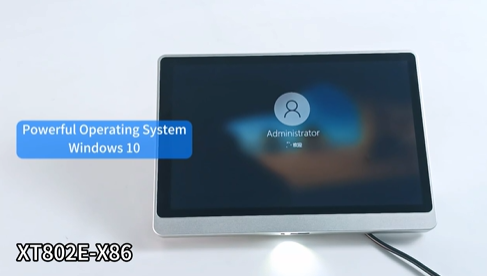
The XT802E‑X86 is a Windows 10 Pro wall‑mount kiosk with a built‑in 2D barcode scanner. Visitors scan a QR invitation (email or app) or an ID barcode. The kiosk verifies their information, prints a visitor badge, and notifies the host automatically.
No front desk staff needed.
Key Specifications
| Feature | Specification |
|---|---|
| Model | XT802E‑X86 |
| Screen | 10.1″ HD touch, 1280 x 800 |
| CPU | Intel J1900 quad‑core, 2.0GHz |
| RAM / Storage | 4GB + 64GB (upgradeable) |
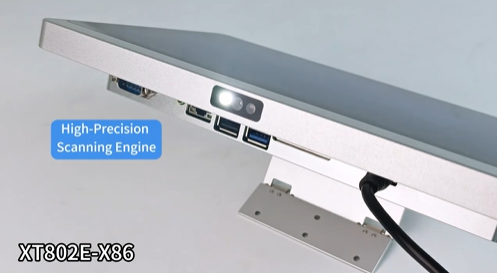
| Scanner | Built‑in 2D CMOS, 640×480 |
| Scan Speed | Up to 300 scans/sec |
| OS | Windows 10 Pro |
| Connectivity | WiFi, Ethernet, PoE+ (optional, MOQ is 1000pcs) |
| Mounting | VESA 75×75 wall mount |
| Protection | IP65 front panel |
Built‑in Scanner – What It Reads
| Media | Code Types |
|---|---|
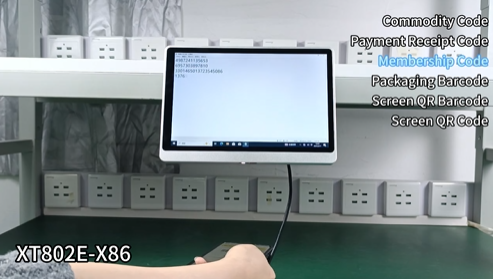
| Phone screen | QR invitation from email or app |
| Printed paper | QR or 1D barcode on confirmation letter |
| ID card | 1D barcode on employee or government ID |
The scanner is optimized for phone screens (dim brightness, glare, screen protector) – no failed scans at the lobby.
Visitor Check‑in Workflow
Visitor arrives
Opens invitation email on phone → QR appears
Holds phone under scanner (or scans printed confirmation)
Scanner reads QR → system retrieves visitor name, host, purpose
Kiosk displays visitor info
Visitor confirms on touchscreen
Kiosk prints visitor badge (name, host, date, photo)
System sends SMS or email to host: “Your guest has arrived”
Visitor proceeds to meeting area
Time: Under 30 seconds
Where to Install
| Location | Mounting | Purpose |
|---|---|---|
| Corporate lobby | VESA wall mount | Employee, contractor, guest check‑in |
| Government building | VESA wall mount | Citizen self‑registration |
| Hospital reception | VESA wall mount | Patient check‑in |
| School front office | VESA wall mount | Volunteer / parent visitor registration |
| Event venue entrance | VESA wall mount | Attendee self‑check‑in |
Windows Benefits for Visitor Management
| Feature | Why It Matters |
|---|---|
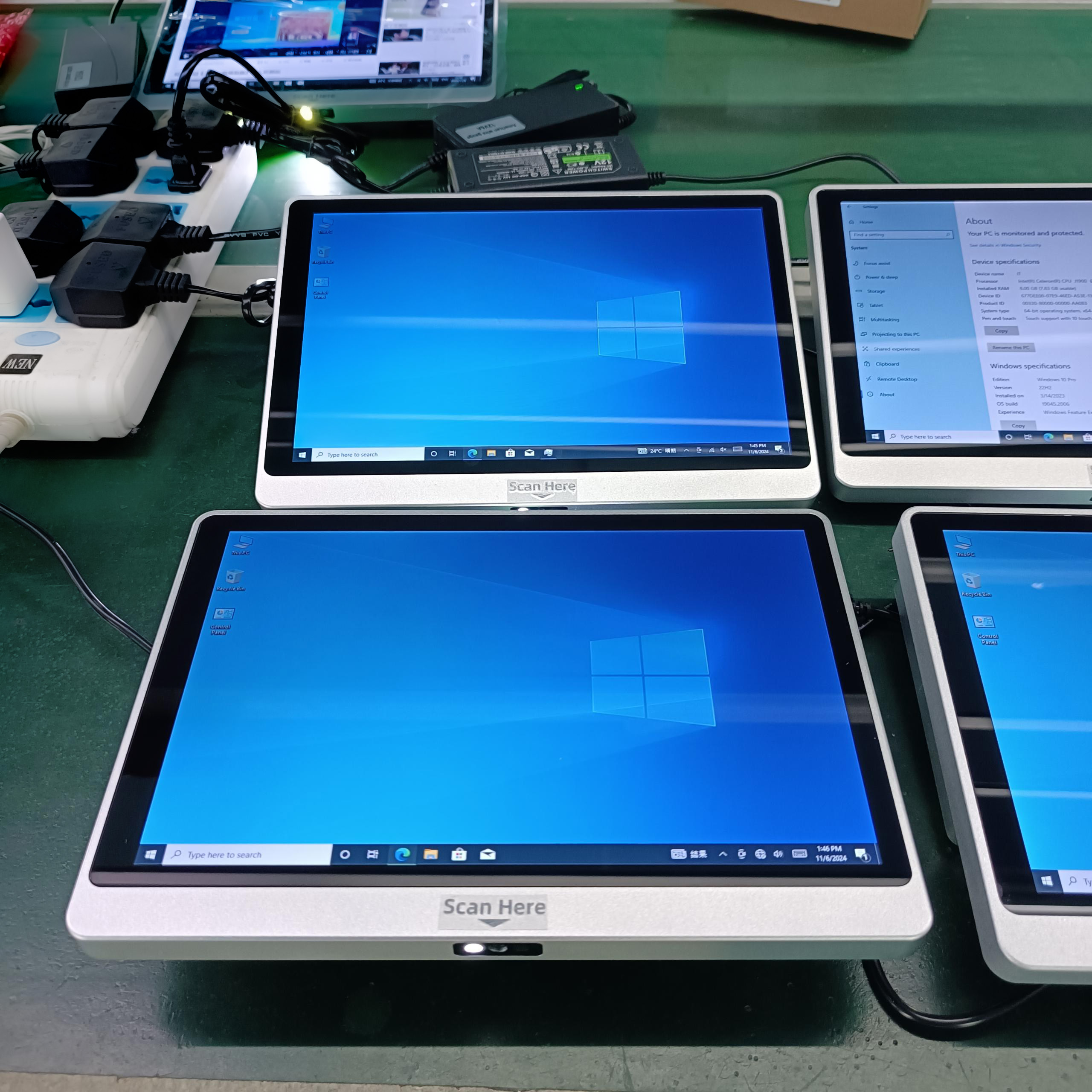
| Windows 10 Pro | Run existing visitor management software (no porting) |
| Active Directory | Centralized management for multi‑building campuses |
| Remote Desktop | Administer kiosks remotely |
| Printer drivers | Works with standard badge printers (Zebra, Evolis, etc.) |
What‘s Included in the Visitor Badge
The kiosk can print badges with:
Visitor name
Host name
Date of visit
Company / purpose
Photo (if camera is added)
QR code for return visit
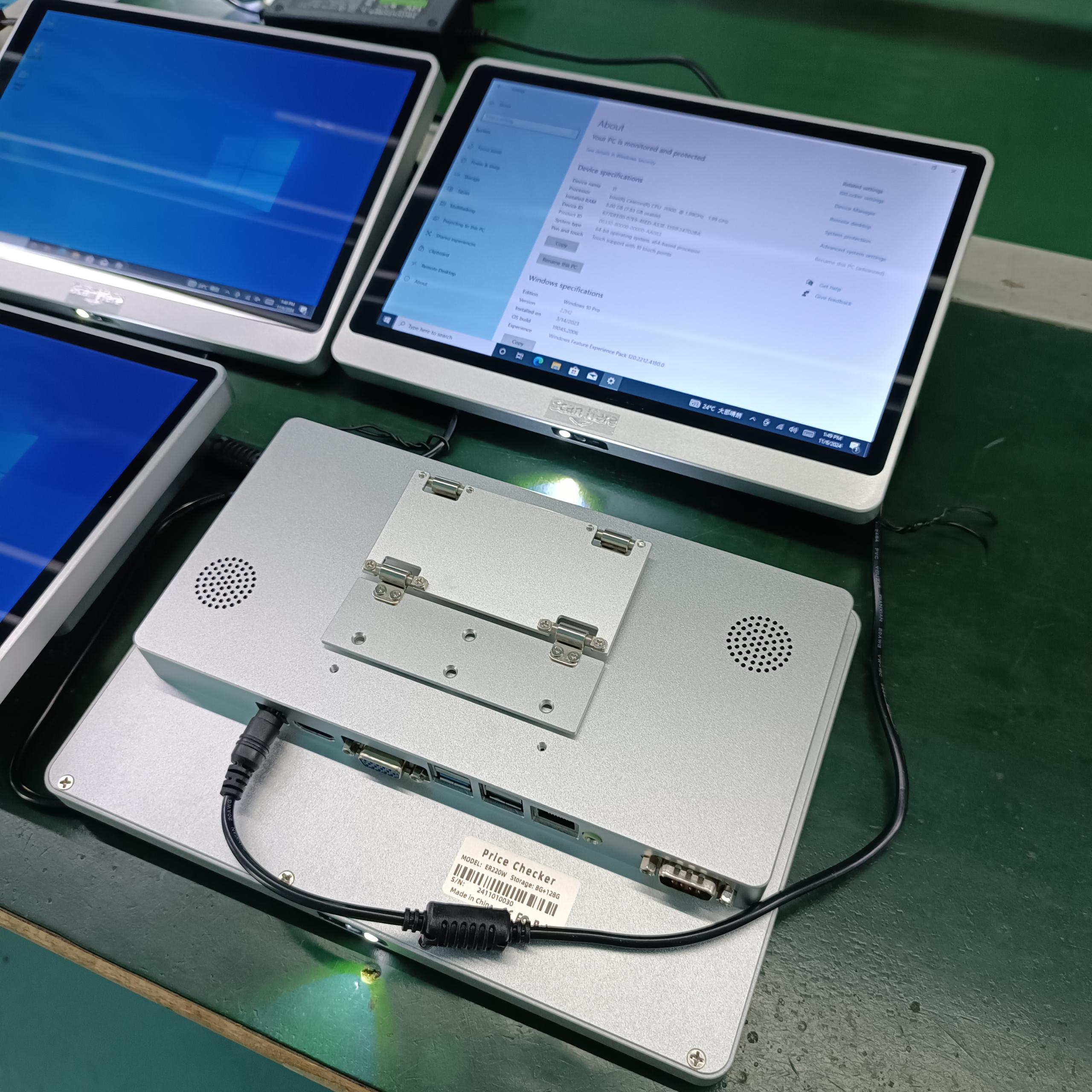
Connectivity
| Interface | Use |
|---|---|
| Ethernet | Main connection to visitor database |
| WiFi | Where Ethernet isn‘t available |
| PoE+ | One cable for power + network |
| USB | Badge printer, camera |
| COM (RJ11) | Legacy peripherals |
Hardware Highlights
| Feature | Benefit |
|---|---|
| All‑in‑one | Screen + scanner + PC – no separate components |
| 300 scans/sec | No lobby queue |
| Reads phone screens | Works with dim screens, glare |
| IP65 front panel | Dustproof, splash‑proof for busy lobbies |
| VESA wall mount | Secure, space‑saving |
| PoE+ option | Single cable installation |


